A density curve, not a simple count
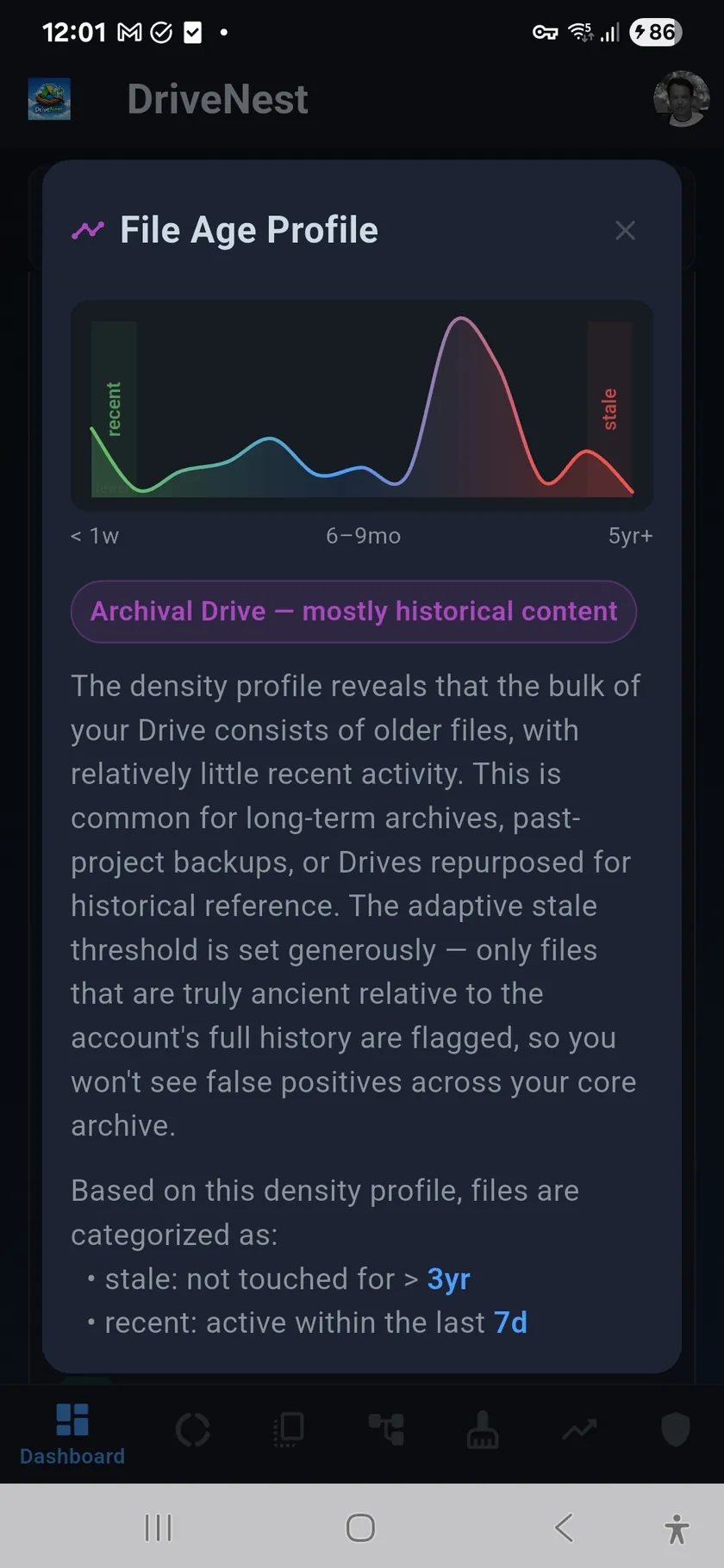
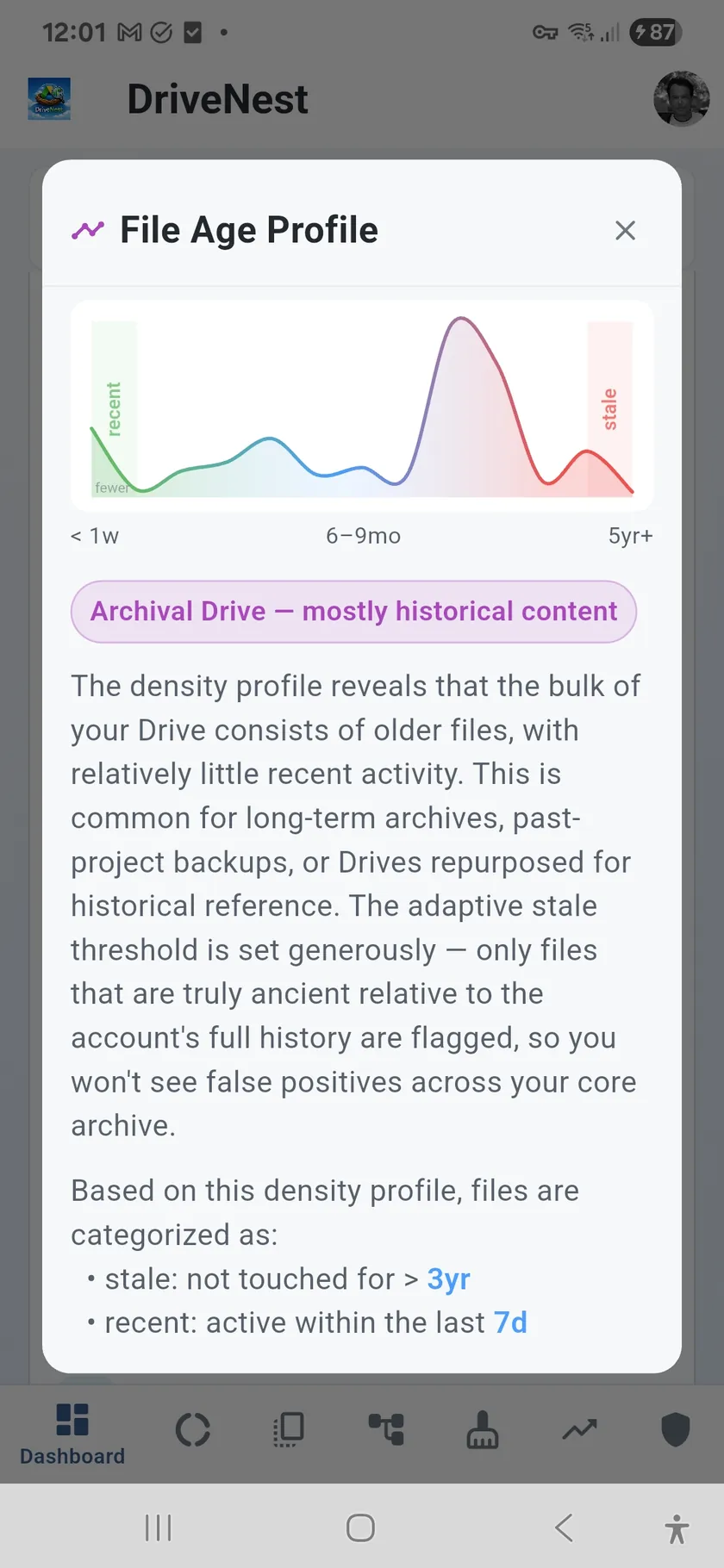
The File Age Profile is a smooth area chart plotted across 13 age ranges — from files touched within the last week all the way to files untouched for five or more years. The Y-axis shows file density per day (log-scaled), not raw file count. Normalising by bucket width means a short recent range and a wide multi-year range are directly comparable on the same chart. The shape of the curve tells the story: a tall spike on the left means an active Drive; a flat tail on the right means years of accumulated, untouched files.
Adaptive stale detection driven by the curve shape
The profile is not just a visualisation — it is the engine behind DriveNest's stale file detection. A cliff-detection algorithm scans the smoothed density curve for the largest relative drop-off in activity. That drop marks the natural boundary between files you still use and files that have fallen into dormancy. DriveNest sets the stale threshold at that cliff automatically, so the threshold fits your specific Drive rather than an arbitrary fixed number of days. The same curve sets a recent threshold at the point where density first falls below half its peak — defining the active zone at the other end.
What the File Age Profile shows
- Density curve — smooth area + line chart, log-scaled Y-axis (files per day)
- 13 age ranges — progressively wider from < 1 week to 5+ years
- Green recent zone — files within the active threshold, highlighted on the chart
- Red stale zone — files beyond the detected cliff, highlighted on the chart
- Adaptive thresholds — stale and recent boundaries computed from your own curve shape
- Sensitivity setting — Lenient, Normal, or Strict shifts how conservatively the cliff is applied
- Drive scenario classification — names your pattern (active, archival, multi-peak, recent burst, flat)
- Uses last-viewed date where available, falls back to last-modified
Drive scenario classification
DriveNest classifies your storage's age profile into one of five scenarios and surfaces a contextual insight on the Dashboard. An archival Drive (most files old, little recent activity) gets a different explanation and threshold strategy than a Drive with a recent burst (large spike of very new files, typical of a migration) or a multi-peak pattern (distinct bursts at different periods, suggesting project-based usage). The classification is shown in the Smart Insights card and explained in full when you tap through to the File Age Profile dialog.
Powers stale detection across the entire app
The thresholds computed from the age profile flow into every stale-aware feature. The Dashboard Stale Files panel uses them to count and list files that have gone cold. The Smart Insights card references the stale percentage. The Cleanup screen uses staleness as one of its risk scoring inputs. You can tune the sensitivity in Settings — Lenient raises the threshold (flags fewer files), Strict lowers it (flags more) — and the curve updates accordingly across all panels.