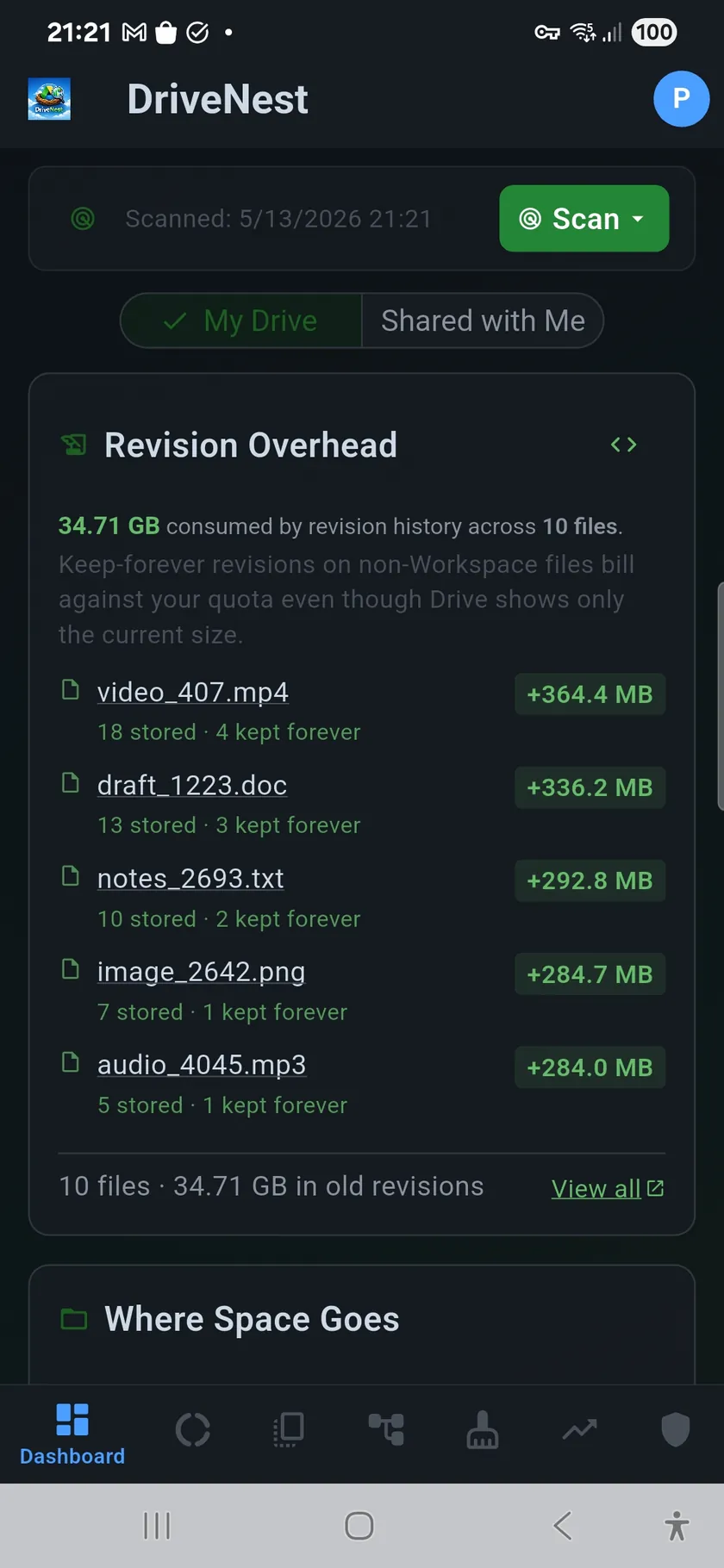
Version history overhead is the storage quota consumed by a file's saved versions beyond the size of the current file. Google Drive calls them revisions and OneDrive calls them versions; both bill them against your quota. On Google Drive, every saved version of non-Workspace files — PDFs, images, Office documents, ZIP files — is stored and billed against your quota, even though only the latest version is visible in Drive. Google Docs, Sheets, and Slides are exempt: their revision history does not count against quota. See the Google Drive Revisions API reference for the underlying data model.
Per-file breakdown on the Dashboard
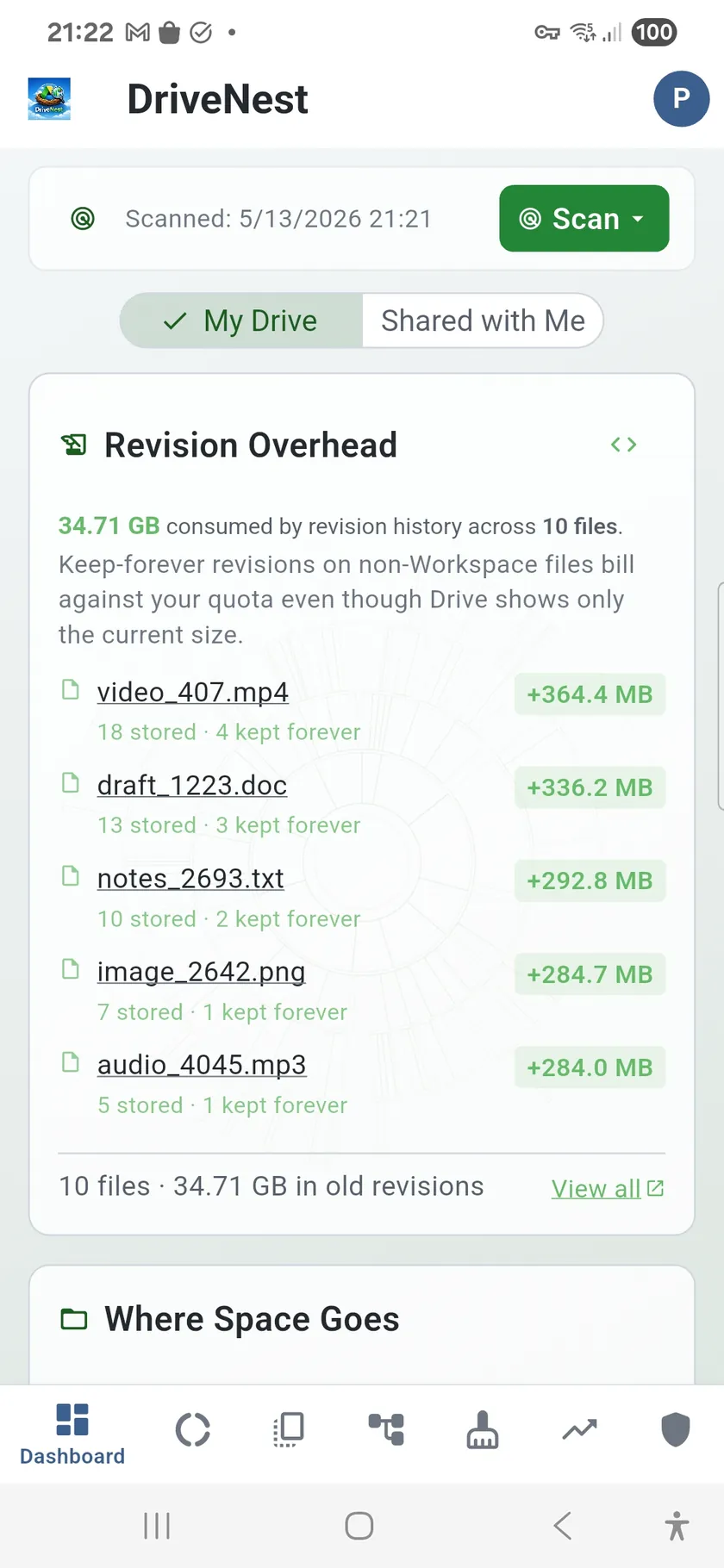
The Revision Overhead panel on the Dashboard identifies the top offenders in your cloud storage: files where accumulated revision history consumes significantly more quota than the file itself. For each file DriveNest shows the total number of stored revisions, how many are marked keep forever (Google Drive only — pinned to never auto-expire), and the exact overhead in bytes. Tapping a file opens it in the Google Drive app or your browser, or in OneDrive on the web.
What the Revision Overhead panel tracks
- Top offenders — up to 5 files with the highest revision overhead, ranked by wasted bytes
- Stored version count — total number of versions your provider is retaining
- Keep-forever count — revisions explicitly pinned and never auto-expired
- Per-file overhead badge — exact extra quota consumed beyond the current file size
- One-tap script generation — open the revision cleanup script dialog directly from the panel
- Direct links — tap any file to open it in the Google Drive app or your browser, or in OneDrive on the web
Reclaim the wasted space
From the Revision Overhead panel, you can generate a Google Apps Script that deletes excess revisions for your top offenders using the Drive API v3. The script targets old and keep-forever revisions that are safe to remove, leaving the current version and a configurable number of recent versions intact. As with all DriveNest scripts, you review the full source before running it — nothing is deleted without your explicit action. See the Scripts page for how deployment works. On OneDrive there is no script to deploy — DriveNest runs version cleanup as an in-app action instead.
How revision cleanup works on Google Drive
- Uses Drive API v3 via Apps Script — no additional OAuth scopes beyond
script.projects - Deletes keep-forever revisions directly — the API does not allow unpinning, but does allow deletion
- Per-revision logging — the script reports success or failure for each revision it processes
- Bulk error summary — any failures are collected and printed at the end
- You run it manually — deploy to Apps Script, then click Run
Frequently asked questions
What is revision overhead on Google Drive?
Revision overhead refers to the extra storage quota consumed by a file's saved version history. Google Drive stores every version of non-Workspace files (PDFs, images, Office documents) and bills each version against your quota — even though only the current version appears in Drive. Over time, frequently edited files can accumulate tens or hundreds of versions, each consuming storage independently.
Which files accumulate the most revision history?
Non-Workspace files are the only ones that count against quota for revisions: PDFs, images (JPEG, PNG, etc.), Office documents (.docx, .xlsx, .pptx), ZIP archives, and other binary formats. Google Docs, Sheets, and Slides do not consume storage quota for revision history — their versions are stored in Google's infrastructure at no quota cost. Large, frequently edited files like project ZIP archives or master PDFs tend to be the biggest offenders.
Can DriveNest delete keep-forever revisions?
Yes. Google Drive's API does not allow programmatically unpinning keep-forever revisions, but it does allow deleting them directly. The DriveNest revision cleanup script uses the Drive API v3 to delete excess revisions including keep-forever ones. You review the generated script in full before running it — DriveNest never executes any action on your files without your explicit approval.