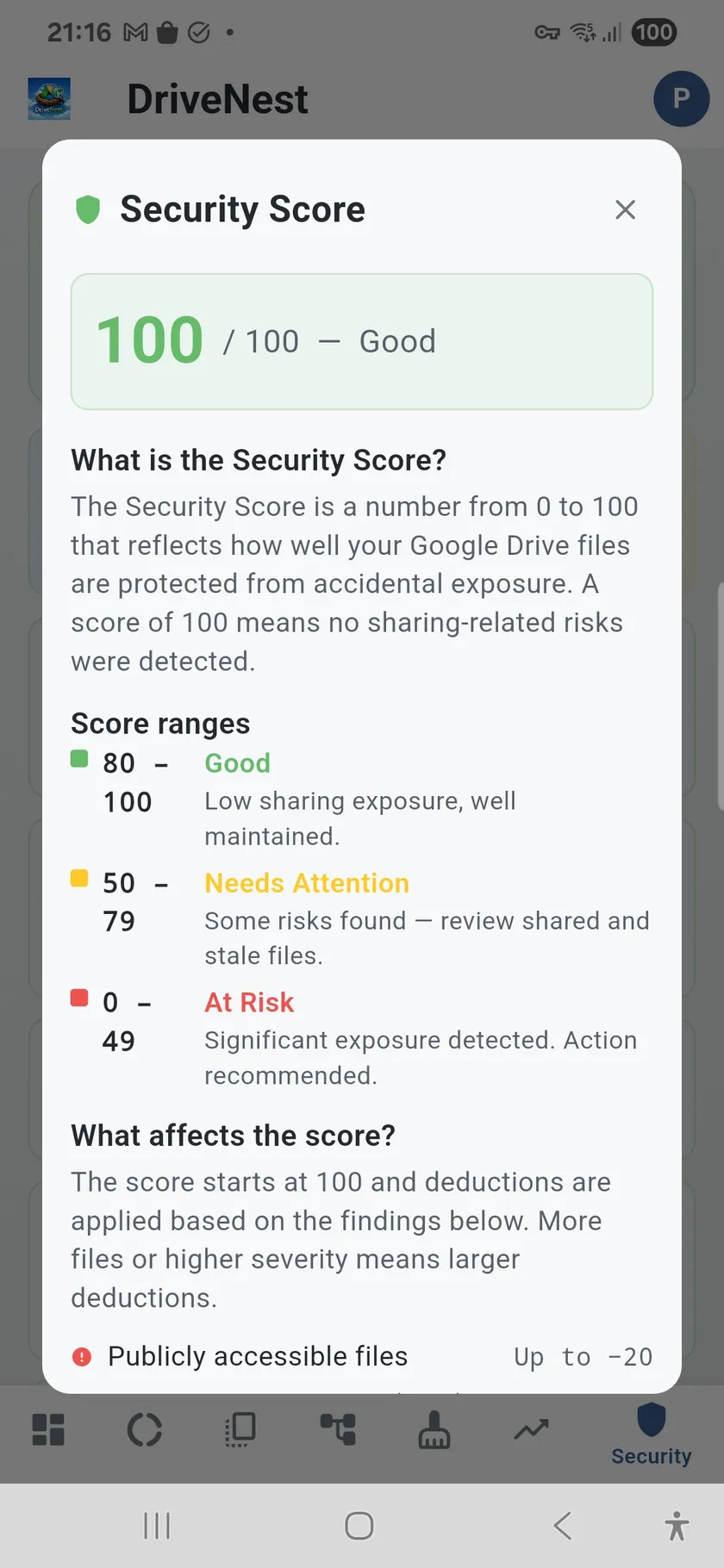
A security score for your cloud storage
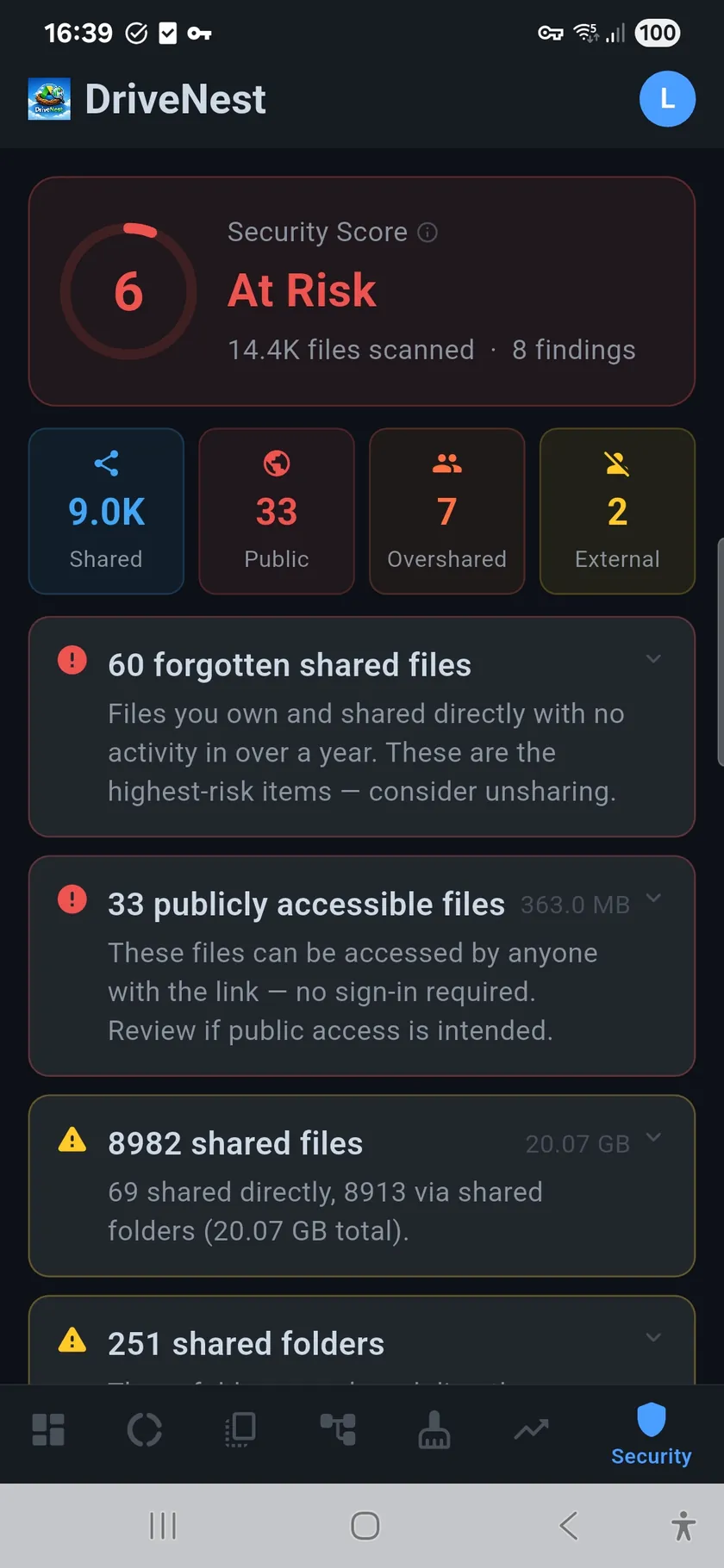
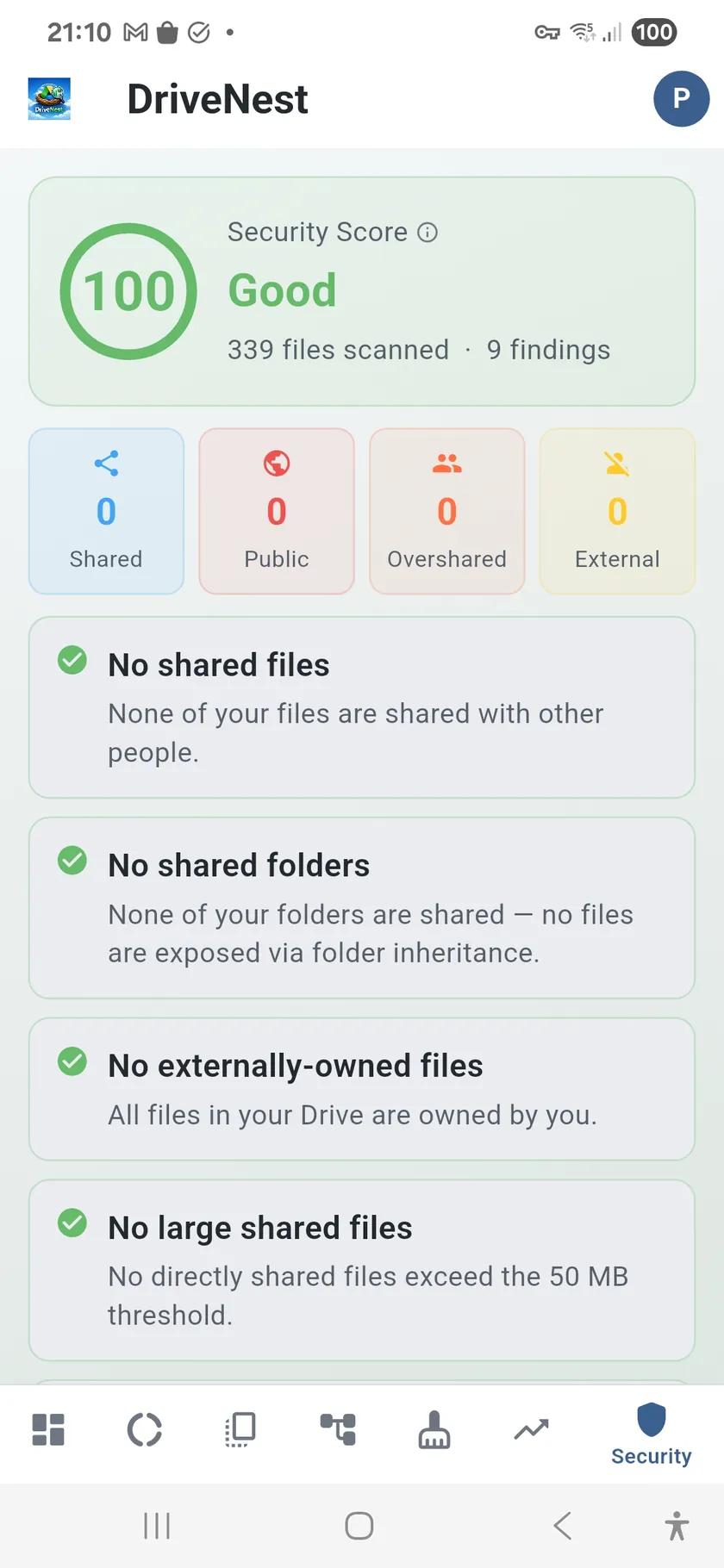
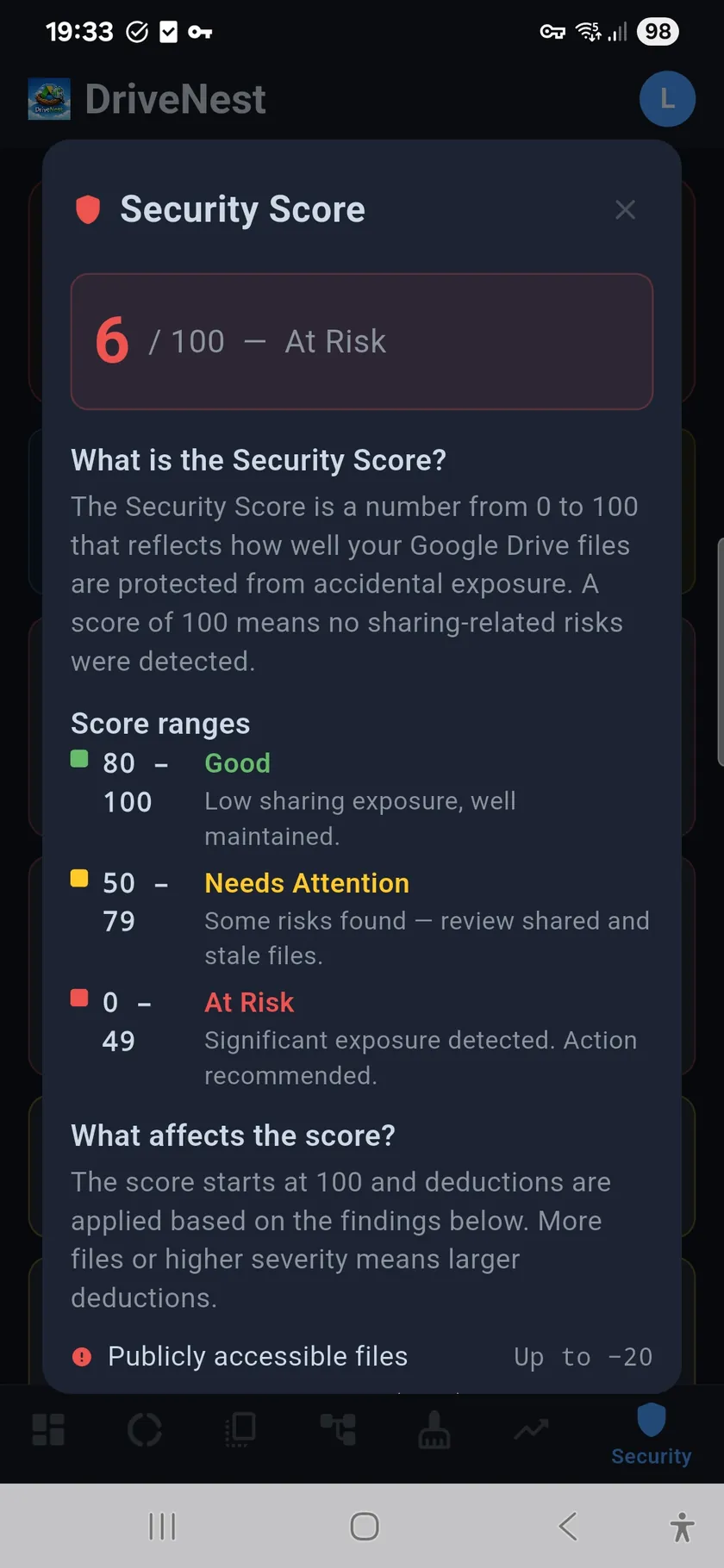
Google Drive and OneDrive both make sharing easy — too easy. Over time, you accumulate publicly accessible links, forgotten shares with former colleagues, and files shared individually when they should be in a shared folder. The Security Audit scans all your sharing permissions and distills them into a single 0–100 score. A high score means your sharing is tight. A low score means you have exposure worth reviewing.
Know what is shared and why
DriveNest distinguishes between two types of sharing: direct sharing (you explicitly shared this file) and inherited sharing (this file lives in a shared folder). This matters because revoking access on an inherited share is different from revoking a direct share. The two-tier display makes it clear where each permission comes from.
What the Security Audit detects
- Public access — files and folders accessible to anyone with the link
- Oversharing alerts — files shared with many individual users instead of a group
- Forgotten shares — files shared long ago and never accessed since
- Stale shared files — shared files that have not been modified in months
- Shared folders vs. individual shares — inherited vs. direct permission tracking
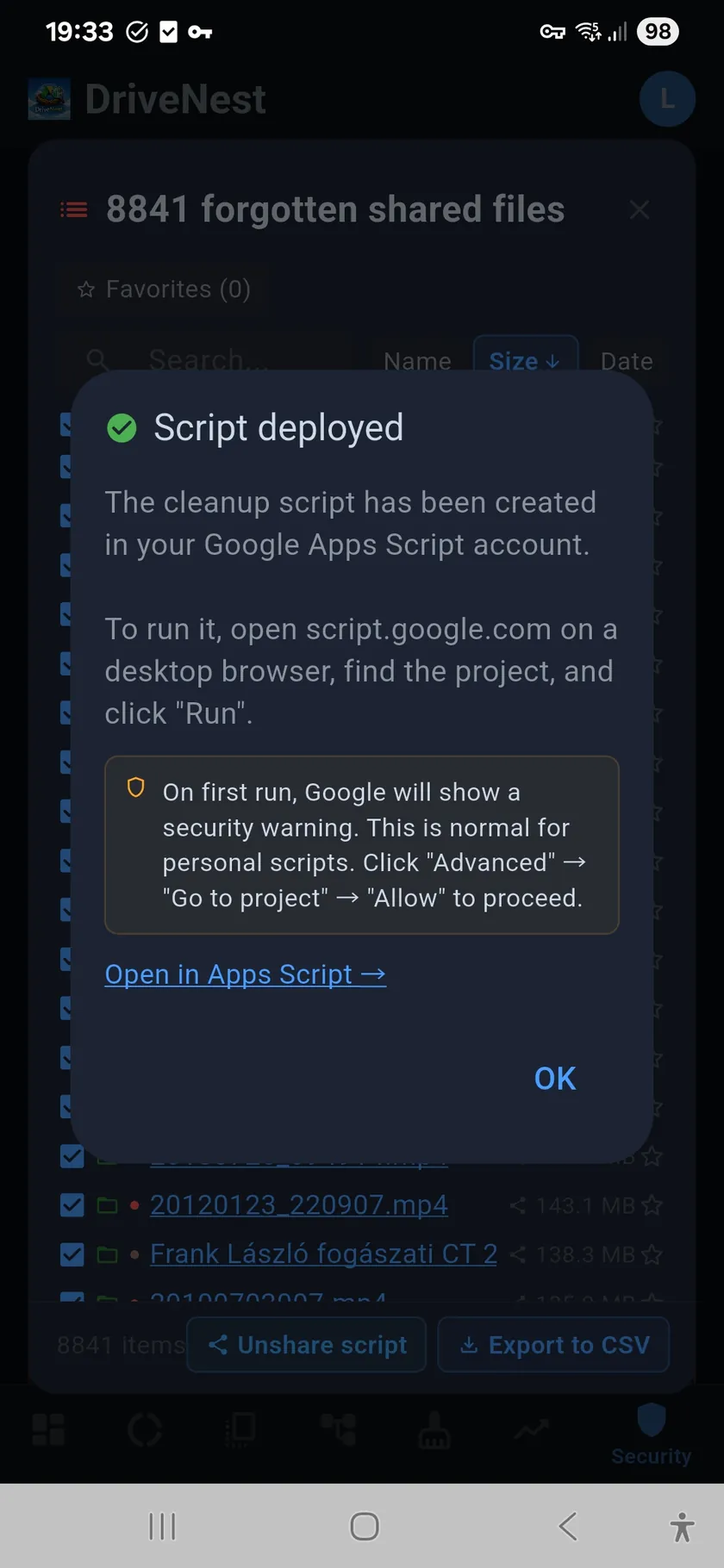
- Unshare script generation — generate scripts to revoke specific permissions
- Apps Script deployment — deploy unshare scripts directly to your Google account
Take action with unshare scripts
Identifying risks is only half the job. For every sharing issue found, you can generate an unshare script that revokes the specific permissions. Deploy it directly to Google Apps Script from within the app, or export it as a standalone script. Either way, you review and run it yourself — DriveNest never modifies permissions automatically. See the Scripts page for full details.