The core principle — you approve every action
DriveNest never deletes files, revokes sharing, or changes anything automatically or silently. Every cleanup, unshare, or revision/version action is shown to you in full and happens only when you explicitly approve it. Analysis itself is always read-only — on Google Drive DriveNest holds no write access at all, and on OneDrive it requests write permission only at the moment you approve your first in-app action. What differs is how an approved action is carried out, and that depends on the cloud — see below.
Google Drive: three script formats
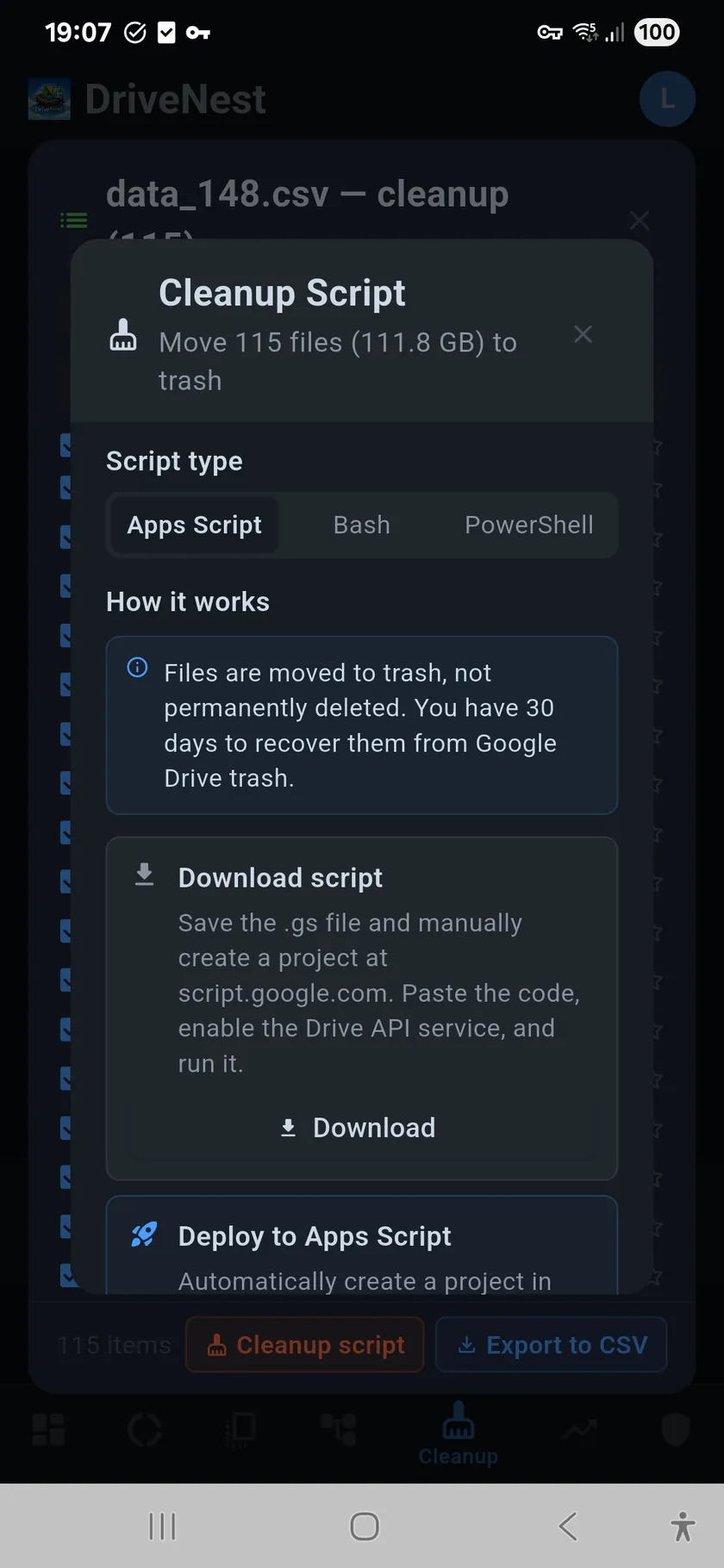
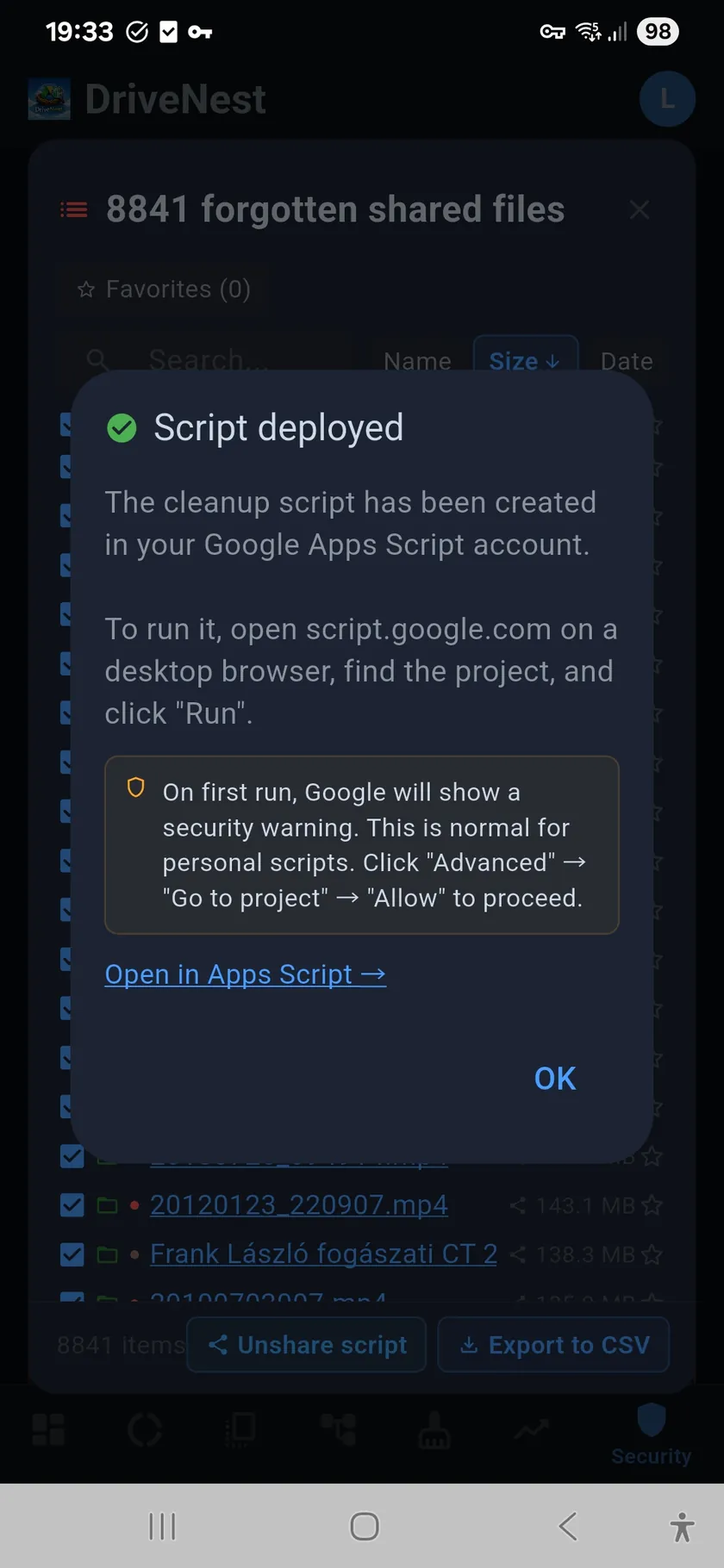
On Google Drive, DriveNest expresses each action as a script you run yourself. Choose the format that fits your workflow. Google Apps Script can be deployed directly to your Google account with one tap — DriveNest creates a new Apps Script project with the Drive API pre-configured. Bash scripts use the Google Drive CLI tools and run on macOS or Linux. PowerShell scripts work on Windows. All three do the same thing; the format is your choice.
Three actions
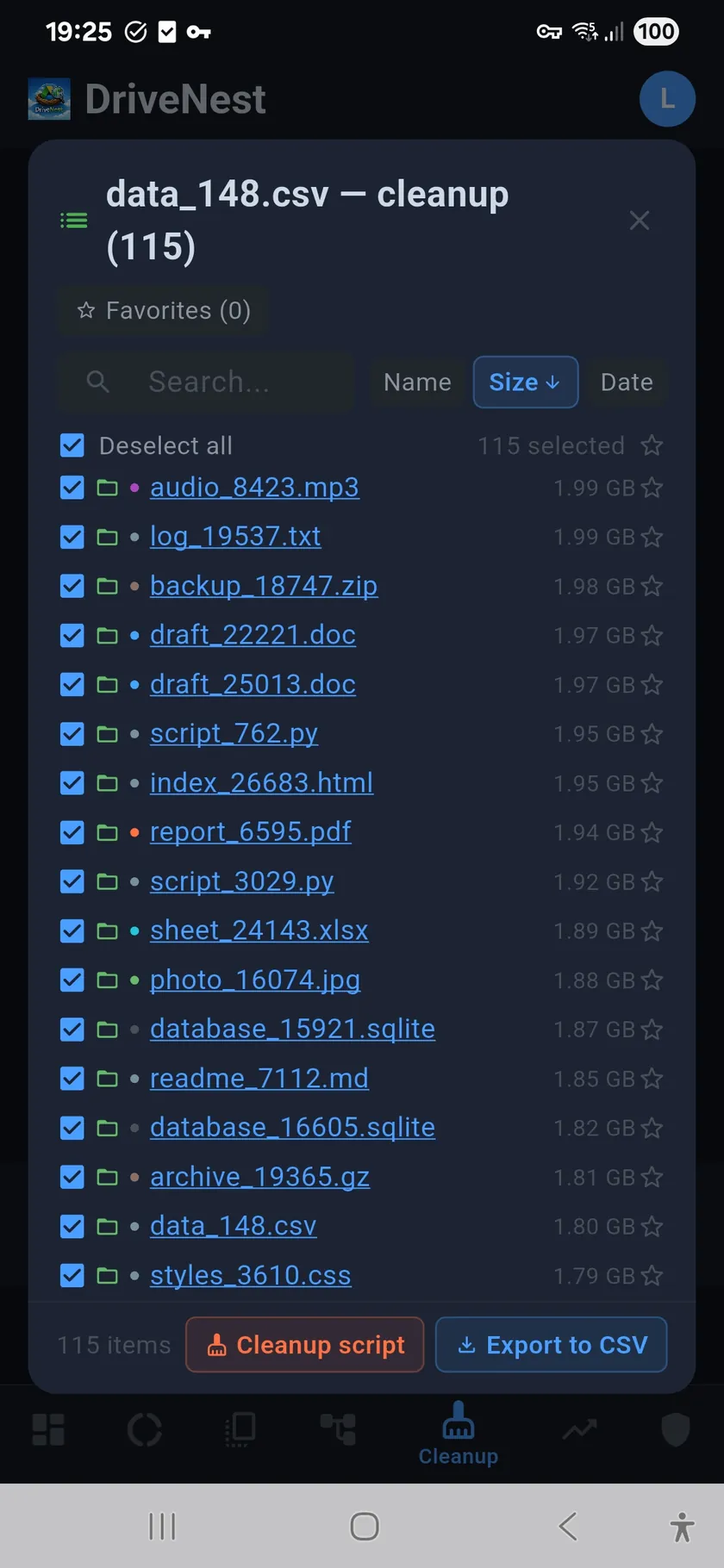
Cleanup scripts move selected files to Google Drive trash. Trashed files remain recoverable for 30 days before permanent deletion. This gives you a generous safety window if you change your mind. Unshare scripts revoke specific sharing permissions — remove individual users, disable link sharing, or restrict access on shared folders. Revision cleanup scripts delete excess revision history for non-Workspace files using the Drive API v3 — including keep-forever revisions that accumulate silently against your quota. See the Revision Overhead page for how DriveNest detects and quantifies this waste. The same three action types are available on OneDrive too — there the third is called version cleanup, matching Microsoft's terminology for stored file versions — and they run in-app rather than as an exported script (see below).
Version 2: where an action runs depends on the cloud
DriveNest v2 adds OneDrive alongside Google Drive, and the two clouds carry out an approved action differently:
Google Drive — unchanged. Drive keeps the established Google Apps Script model: DriveNest deploys the script to your own Google account with one tap (or you export Bash/PowerShell), and you open it and click Run yourself. Nothing about this changed in v2.
OneDrive — new in-app execution. Because OneDrive has no Apps Script equivalent, v2 adds in-app execution — a capability users requested repeatedly. DriveNest can carry out the same cleanup, unshare, and version actions directly inside the app. You still review exactly what each action will touch and tap to run it; it is opt-in and never runs silently or in the background. Long jobs keep running if you leave the app, report progress in a notification, and can be paused and resumed — DriveNest picks a running job back up when you return.
Same principle, per cloud
Whether an action runs in your Google account (Apps Script) or inside the app (OneDrive), the rule is identical: you see exactly what will happen and you trigger it. In-app execution is OneDrive-only — Google Drive continues to use Apps Script deployment exactly as before.
How in-app execution works (OneDrive — new in v2)
- Built for OneDrive — created because OneDrive has no Apps Script equivalent
- Review first — DriveNest shows exactly which files or permissions an action will affect
- You tap to run — the action executes inside the app, only on your approval
- Opt-in — nothing runs in the background or without your confirmation
- Same three actions — cleanup, unshare, and version cleanup
- Survives leaving the app — long jobs continue in the background with a progress notification
- Pause and resume — dismiss the dialog mid-run and pick the job back up later
- Logged — every executed action lands in Action history, down to per-file outcomes
- Google Drive unaffected — Drive keeps the Apps Script model below
How Apps Script deployment works (Google Drive)
- One-tap deployment — DriveNest creates an Apps Script project in your Google account
- Drive API pre-configured — no manual setup required
- You run it manually — open the project in Apps Script and click Run
- Full source visible — review every line before execution
- Trash, not delete — cleanup scripts move files to trash (30-day recovery window)
- Permission-specific — unshare scripts target exact users and access levels
Auto-cleanup for subscribers
Ultimate subscribers can enable auto-cleanup. When combined with scheduled background scans, DriveNest automatically generates and deploys cleanup scripts for files that are confirmed safe to remove — verified duplicates with high confidence scores. The scripts are deployed to your Apps Script account automatically, but you still need to run them manually. This keeps your Drive clean with minimal effort while maintaining full control over what gets removed.
Subscription advantage
Scheduled background scans keep your scan data fresh without manual effort. Auto-cleanup takes it further by automatically preparing scripts for confirmed safe duplicates. You stay in control — scripts are deployed but never executed without your action.